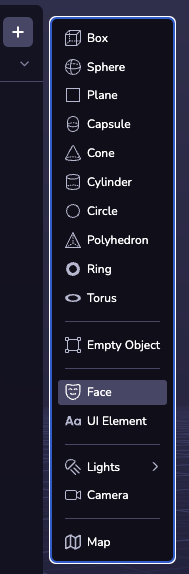
Face
Introduction
Face effects allow you to create filters, effects, and trigger behaviors based on face detection events.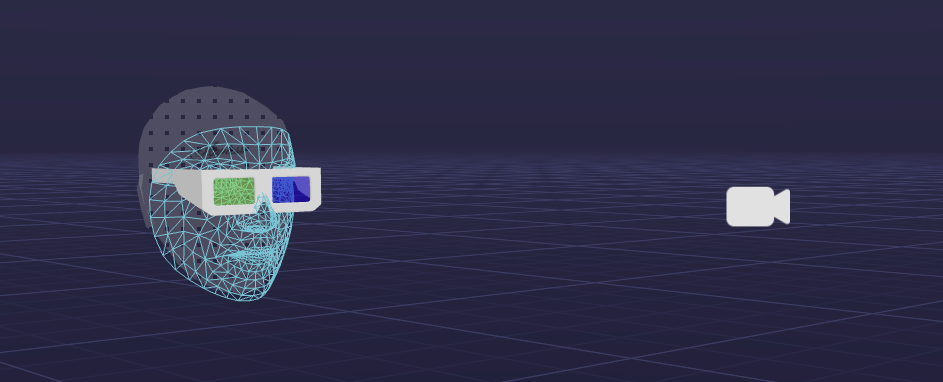
Enabling Face Effects
To enable face effects in your project, follow these steps:
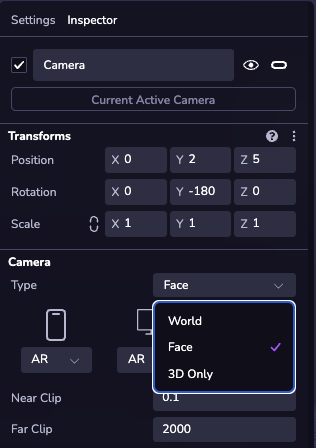
- Select the Camera in your scene
- Set the Type to "Face"
- (Optional) Add a “Face” object to your scene hierarchy to visualize spatial face effects.