Installation & Setup
To integrate 8th Wall into projects that are not developed with Studio, see documentation on 8th Wall Engine.
Download and Install
To install the 8th Wall Studio desktop app:
- Go to 8thwall.org/downloads
- Select your platform:
- Apple Silicon
- Intel
- Windows
- Install the application by opening the
.dmgor.exefile and dragging the app to your Applications folder. - Open the 8th Wall app.
When you launch the app for the first time, it might prompt you to give it access to some of your file system locations or allow its connections through the firewall. Accept those requests to help the 8th Wall app set up projects locally.
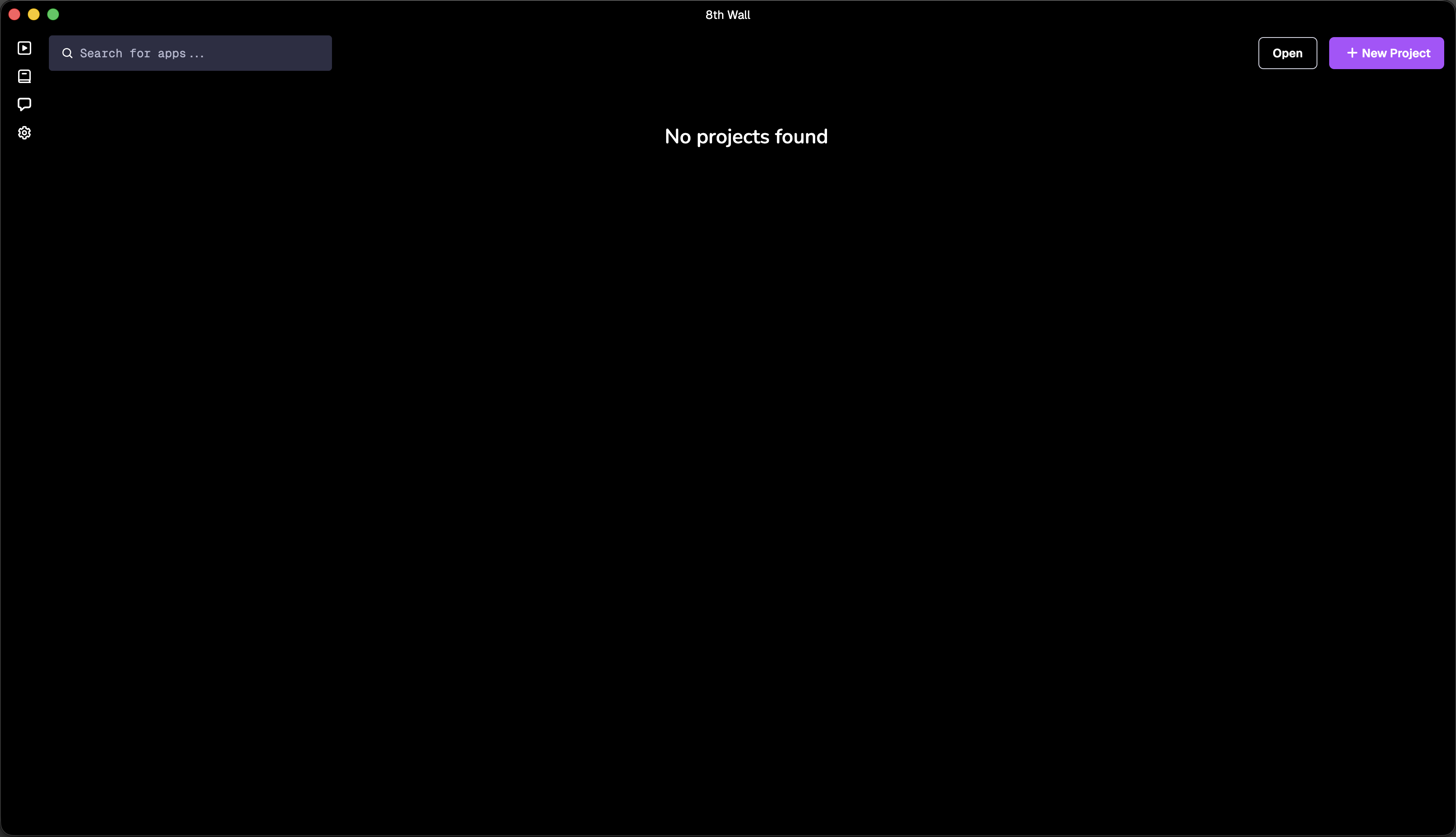
When you open the 8th Wall desktop app, you’ll start in the app’s hub view where you can explore and access your projects, and edit local development preferences. You can also access quick links to resources like the project library, docs, and community discord.
Code Editor Preferences
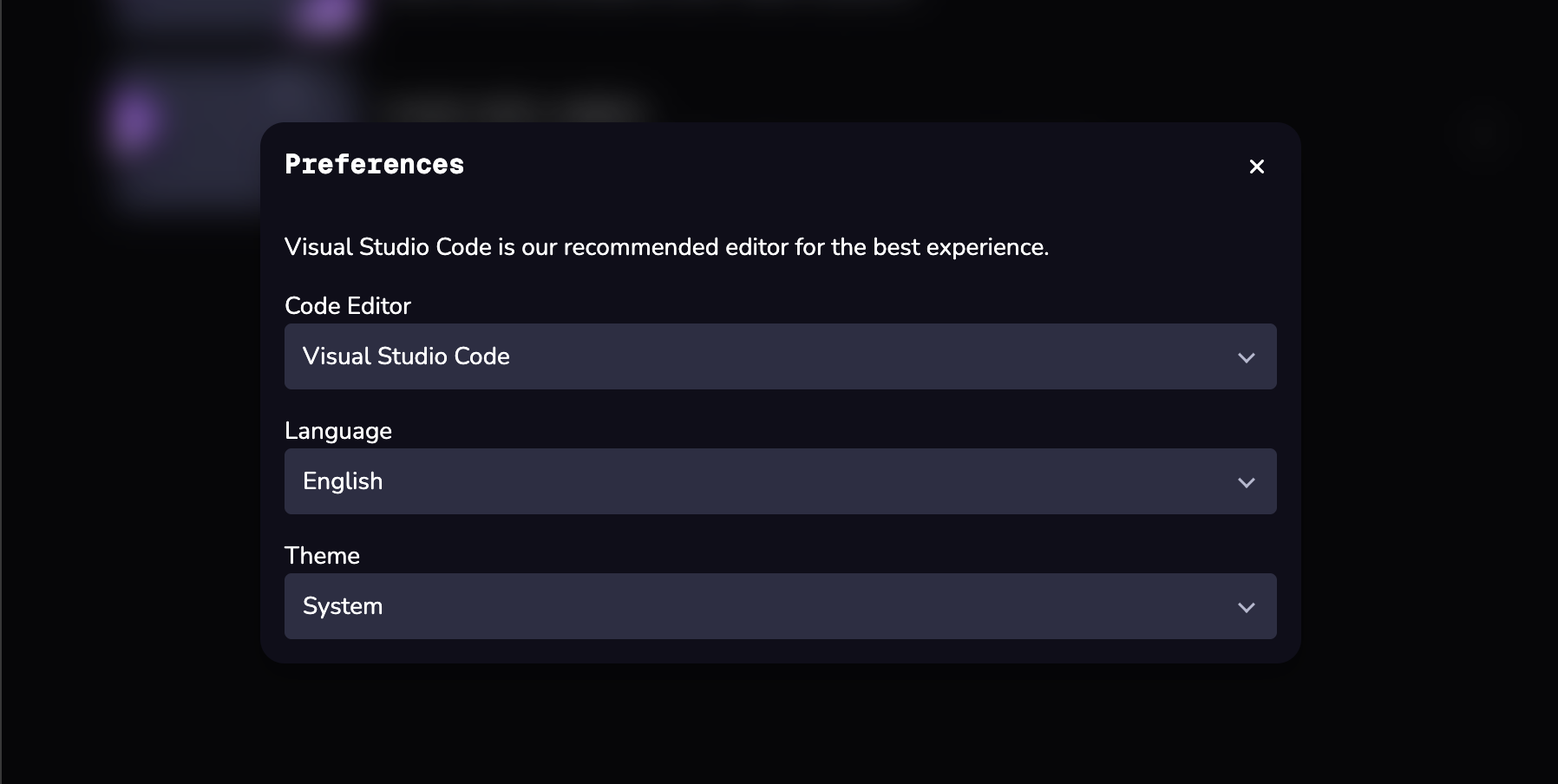
8th Wall desktop app allows you to work with your preferred local code editor like VSCode or Cursor. You can also change this at any time by clicking the Settings button in the left sidebar.