Making Changes
If this is your first time opening Studio, see the documentation on navigating the interface.
Adding Entities
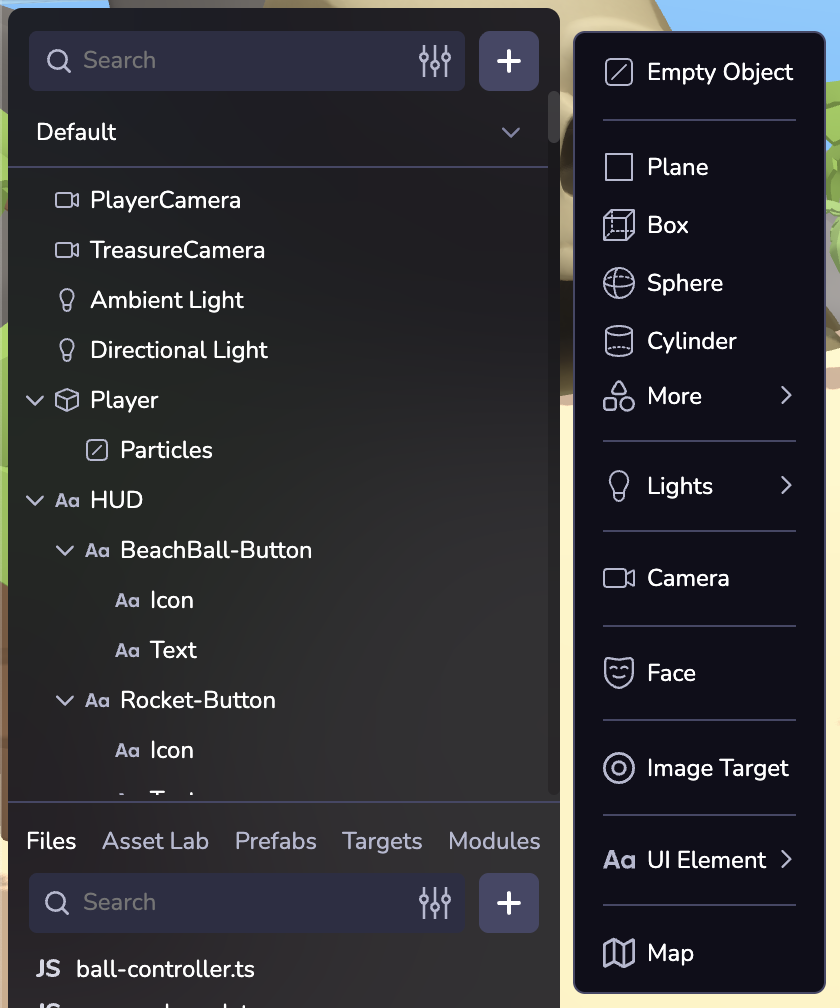
Add new objects to your space by clicking the + button above the scene hierarchy.
Position, Rotate, Scale
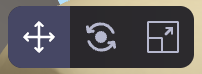
Use the top toolbar to change the position, rotation, or scale of a selected object, or to undo and redo edits.
Inspector Panel
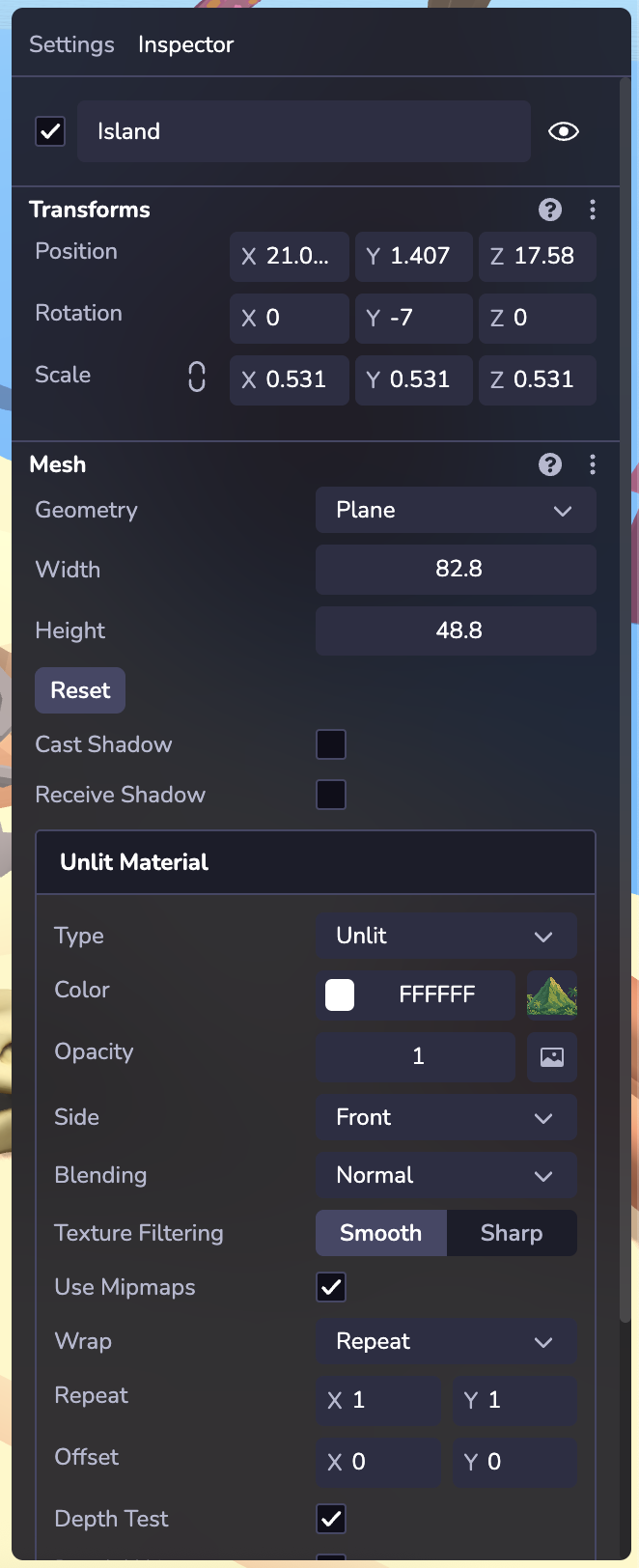
Inspect and configure an entity and its components. Learn more about entities and components in Overview.
By default every entity displays a Transform component in the Inspector. Different types of entities may display different components, for example a Primitive will display a Mesh component with configurable options like geometry shape settings, materials, textures, etc.
Code and Assets
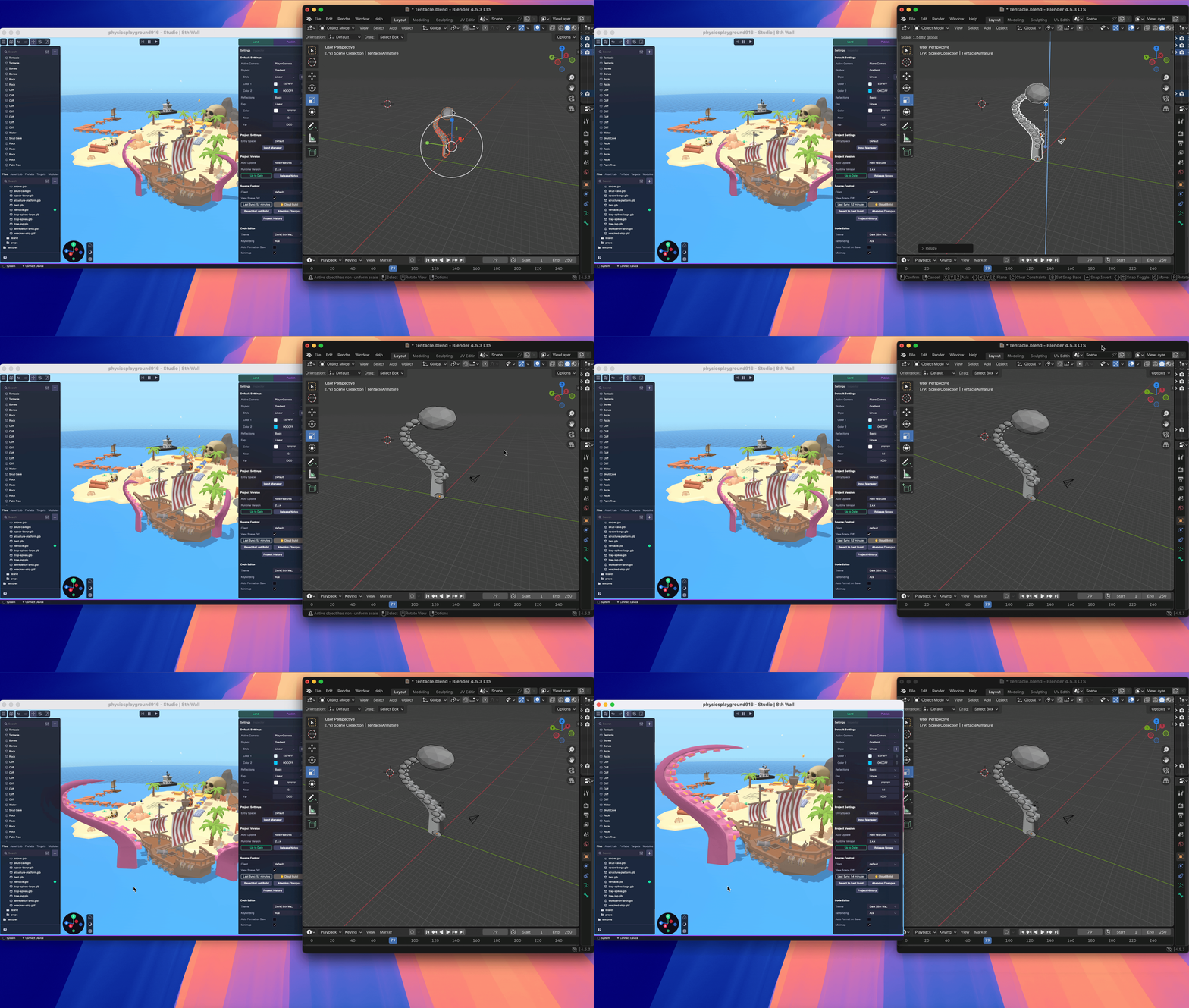
The desktop app listens for changes to your local directory in real time. For example, if you use VSCode to update a project’s component.ts file, as soon as you save the file, you should see the updated file appear in Studio.
Similarly, you can work within 3D modeling tools like Blender and Maya and save asset changes directly to your 8th Wall project. This enables you to work across different programs and create a single streamlined pipeline, so your workflow stays intact from start to finish.